OpenSheets
Not deployed publicly. If you'd like to try it, reach out at [email protected].
What it is
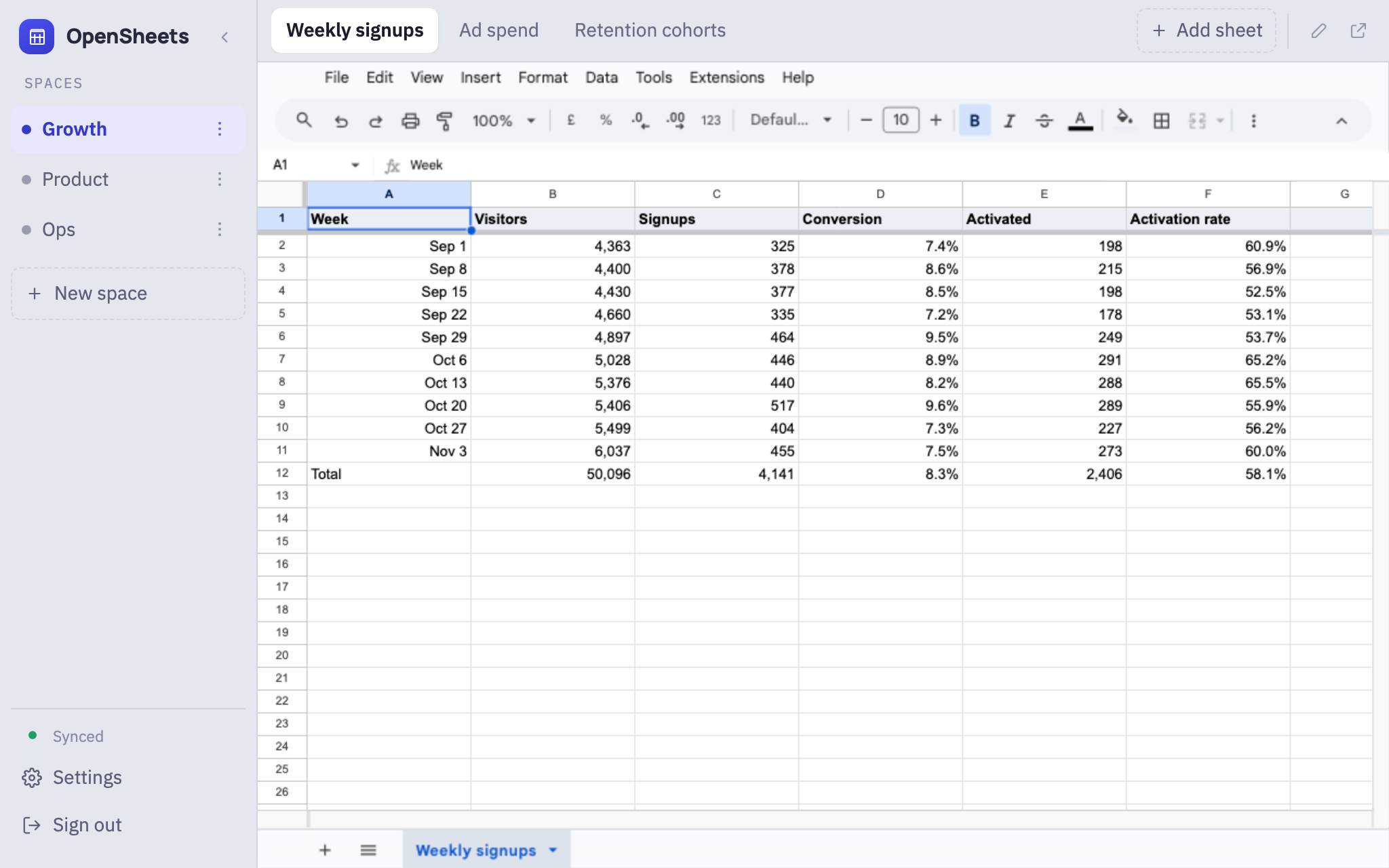
OpenSheets is a single web page that puts a team's Google Sheets in one window. Sheets are grouped into spaces in a sidebar, and each space shows its sheets as tabs along the top. Clicking a tab opens the real Google Sheet inside the page, and you can edit it there.
How it works
Spaces and tabs
Each space is a group of sheets, like Growth, Product or Ops. Click a space and its sheets appear as tabs. A space opens on the sheet you last had open in it, and the app reopens where you left off. Spaces and tabs can be dragged into any order.
The real sheet, editable in place
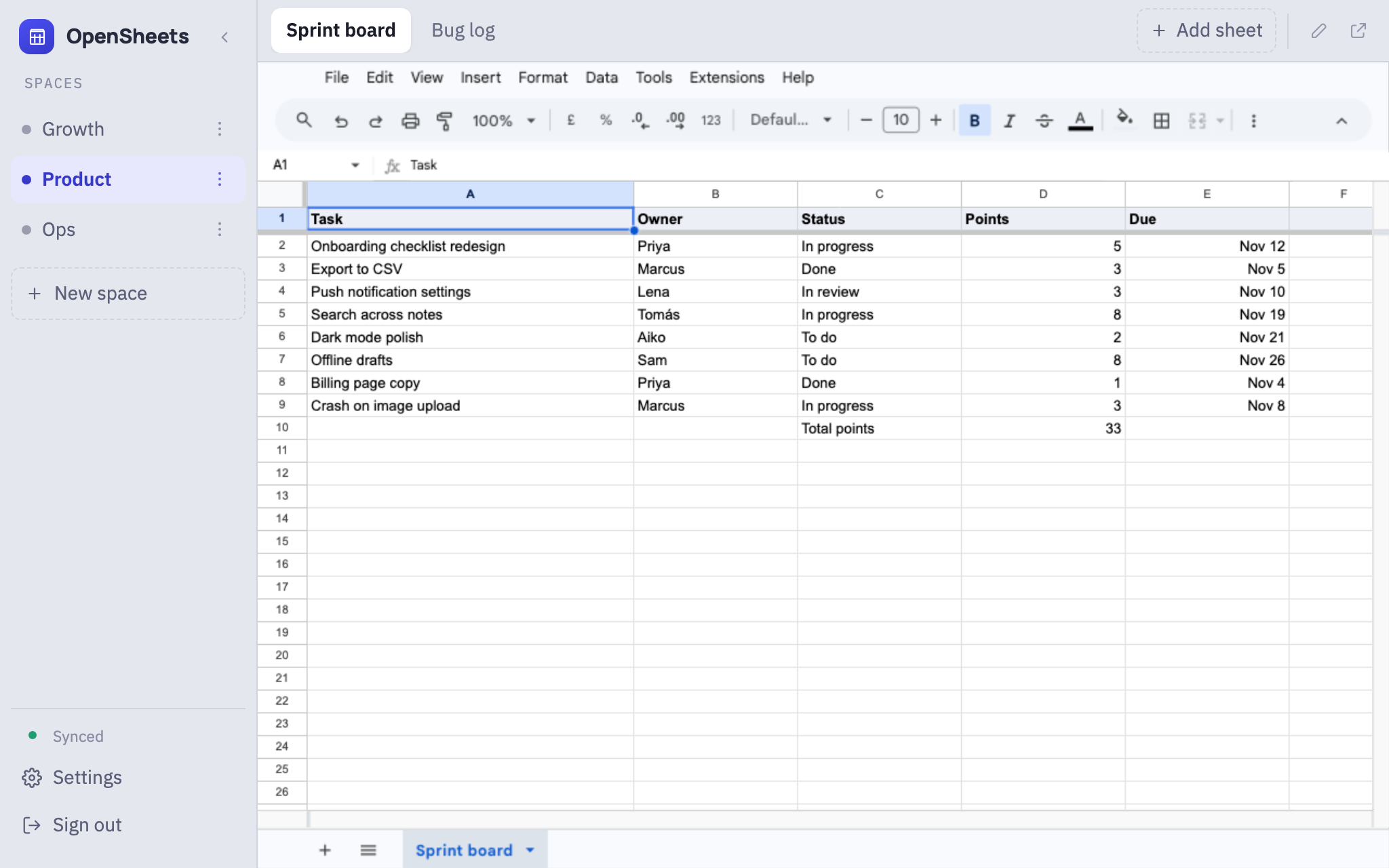
Each tab is the actual Google Sheet in Google's own editor, not a copy. Menus, formulas and filters all work, and edits save straight to the sheet. Google's sharing still decides who can open each one.
Instant switching
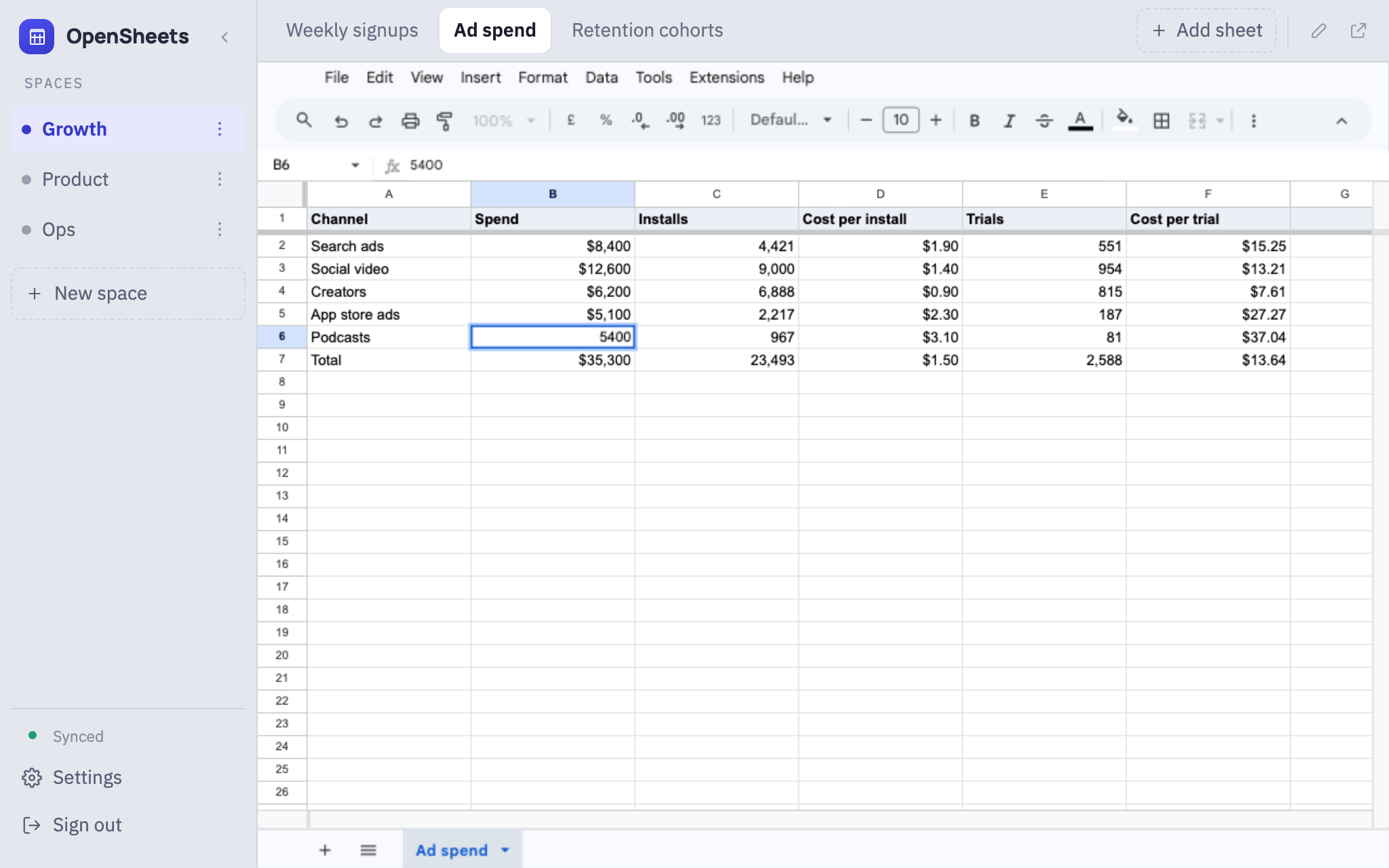
The last four sheets you opened stay loaded in the background. Switching back to one is instant, with your scroll position and selected cell where you left them.
Adding a sheet
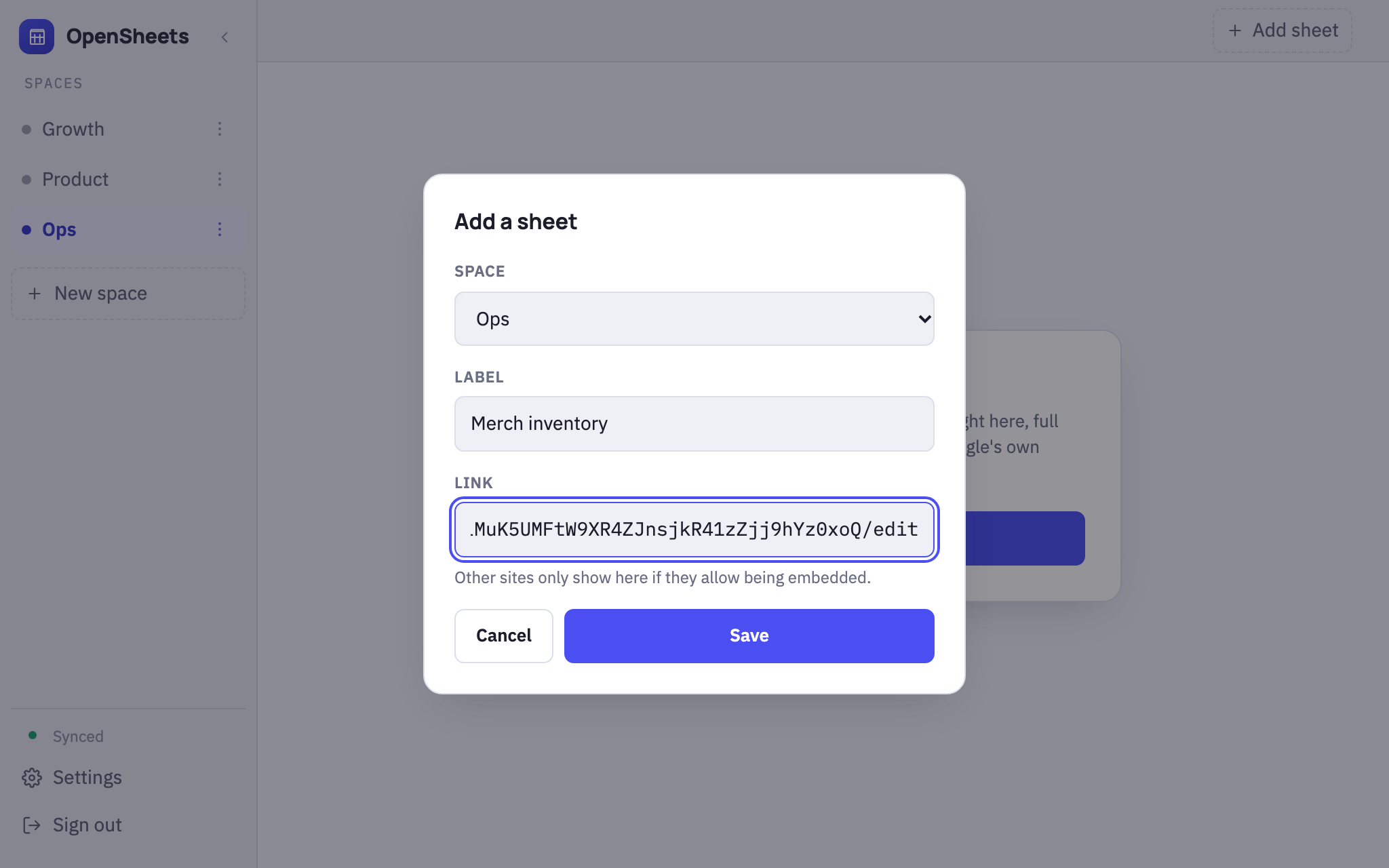
Click + Add sheet, pick a space, give the tab a label and paste the sheet's link. The new tab shows up for everyone on the team straight away. A tab can also hold another web page, if that site allows being embedded.
Shared with the team
Spaces, tabs and their order are shared, and a change one person makes appears for everyone without a refresh. You sign in with Google, and only emails on the access list get in. Anyone on the list can add a teammate, and only the owner can remove someone.
Copy all links in Settings copies every space and tab, with its link, as plain text.
How it's built
The whole app is one HTML file of plain JavaScript and CSS, with no framework and no build step. Each tab is an iframe pointed at Google's own editor, so editing, formulas, permissions and history stay Google's job. OpenSheets never reads or stores what's in a sheet, only a list of labels and links.
Firebase handles sign-in and storage. Firestore holds the list of spaces and tabs and the access list, and every open copy of the app listens to the list, which is why changes appear for everyone at once. The access rules are checked on Google's servers, so the page itself can be public.
Keeping sheets loaded is what makes switching instant, but each one is a full editor in memory, so the limit is four. It's hosted on Cloudflare Pages.
Canonical URL: https://frostworks.dev/projects/opensheets
Markdown: https://frostworks.dev/projects/opensheets/index.md
Site index: https://frostworks.dev/llms.txt
Everything in one file: https://frostworks.dev/llms-full.txt
[← Projects](https://frostworks.dev/projects.md) # OpenSheets Not deployed publicly. If you'd like to try it, reach out at [email protected]. [Explainer video](https://frostworks.dev/images/projects/opensheets/video.mp4) ## What it is OpenSheets is a single web page that puts a team's Google Sheets in one window. Sheets are grouped into spaces in a sidebar, and each space shows its sheets as tabs along the top. Clicking a tab opens the real Google Sheet inside the page, and you can edit it there.  ## How it works ### Spaces and tabs Each space is a group of sheets, like Growth, Product or Ops. Click a space and its sheets appear as tabs. A space opens on the sheet you last had open in it, and the app reopens where you left off. Spaces and tabs can be dragged into any order.  ### The real sheet, editable in place Each tab is the actual Google Sheet in Google's own editor, not a copy. Menus, formulas and filters all work, and edits save straight to the sheet. Google's sharing still decides who can open each one.  ### Instant switching The last four sheets you opened stay loaded in the background. Switching back to one is instant, with your scroll position and selected cell where you left them. ### Adding a sheet Click **+ Add sheet**, pick a space, give the tab a label and paste the sheet's link. The new tab shows up for everyone on the team straight away. A tab can also hold another web page, if that site allows being embedded.  ### Shared with the team Spaces, tabs and their order are shared, and a change one person makes appears for everyone without a refresh. You sign in with Google, and only emails on the access list get in. Anyone on the list can add a teammate, and only the owner can remove someone. **Copy all links** in Settings copies every space and tab, with its link, as plain text. ## How it's built The whole app is one HTML file of plain JavaScript and CSS, with no framework and no build step. Each tab is an iframe pointed at Google's own editor, so editing, formulas, permissions and history stay Google's job. OpenSheets never reads or stores what's in a sheet, only a list of labels and links. Firebase handles sign-in and storage. Firestore holds the list of spaces and tabs and the access list, and every open copy of the app listens to the list, which is why changes appear for everyone at once. The access rules are checked on Google's servers, so the page itself can be public. Keeping sheets loaded is what makes switching instant, but each one is a full editor in memory, so the limit is four. It's hosted on Cloudflare Pages.



